Steps To install R Base
On Ubuntu 12.04: The latest cran repository is not updated.
So before we directly install, few additional steps needs to be done.
Step 1: go to sudo gedit /etc/apt/sources.list
Add the following default repository at the end of the file
deb http://cran.rstudio.com/bin/linux/ubuntu precise/
Save and Close the File
Step 2: sudo apt-get update
Step 3: sudo apt-get install r-base
Now we have latest version of R installed.
To install R studio
Go to http://www.rstudio.com/products/rstudio/download/
and Download the latest version of deb file here in this case rstudio-0.98.994-amd64.deb
Right click and install using Ubuntu Software Center
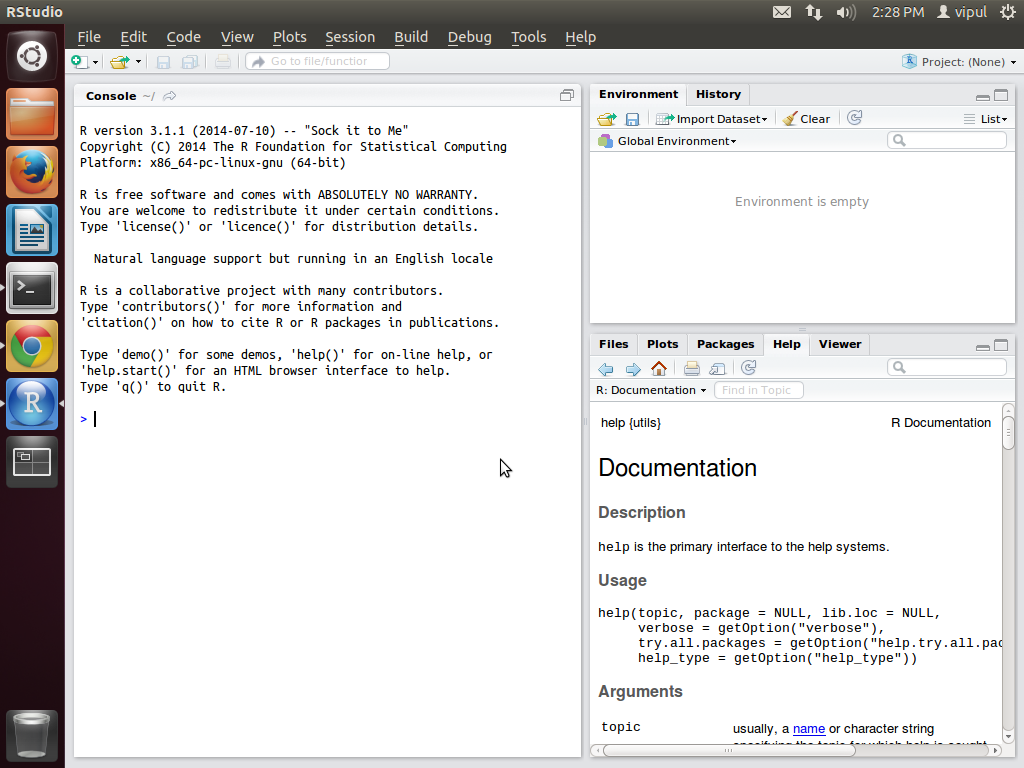
On Ubuntu 12.04: The latest cran repository is not updated.
So before we directly install, few additional steps needs to be done.
Step 1: go to sudo gedit /etc/apt/sources.list
Add the following default repository at the end of the file
deb http://cran.rstudio.com/bin/linux/ubuntu precise/
Save and Close the File
Step 2: sudo apt-get update
Step 3: sudo apt-get install r-base
Now we have latest version of R installed.
To install R studio
Go to http://www.rstudio.com/products/rstudio/download/
and Download the latest version of deb file here in this case rstudio-0.98.994-amd64.deb
Right click and install using Ubuntu Software Center

No comments:
Post a Comment